CoreCP - Creo Companion

CoreCP
The Ultimate Companion for Creo Parametric

By automating tedious file maintenance and actively managing configuration and user environment settings, CoreCP removes the administrative overhead of Creo Parametric so you can focus entirely on engineering. It ensures your working environment remains stable, clean, and perfectly configured every time you launch Creo Parametric

Download Demo

Native Windows integration

Launch Creo Parametric and execute folder maintenance directly from Windows File Explorer with the right-click menu.

No More Manual Cleanup

CoreCP automatically sweeps old model versions and temporary “clutter” files into a reserved quarantine bin.

Accident Forgiveness

Swept up files aren't gone forever. They are held in quarantine bin for an adjustable number of days so you can easily restore them.

Intelligent Data Protection

CoreCP evaluates your model data  and automatically coordinates the appropriate CP version preventing irreversible upgrades to legacy data.

Safe Customization

Need a different version of Creo or an alternate Windchill login for a specific client or project? CoreCP builds a dedicated Special Project Folder so you can safely use custom settings without changing your everyday setup.


Th​e Ultimate
Creo Parametric Companion

More Than a Launcher

Acts as the main engine. It confirms your default settings, sweeps the active folder, and boots the appropriate installed version of Creo Parametric.

Smart Sweep Engine

Groups models by their base name, identifies the most recent iterations, then safely moves the older versions to a quarantine bin rather than permanently deleting them. Simultaneously sweeping for specified "clutter" file types.

Data Recovery

Provides a simple interface for restoring files swept into the quarantine bin.

Legacy Data Protection

CoreCP prevents accidental, irreversible file conversions by automatically detecting the target data version and letting you choose exactly when to proceed.

Hierarchical Rule Processing

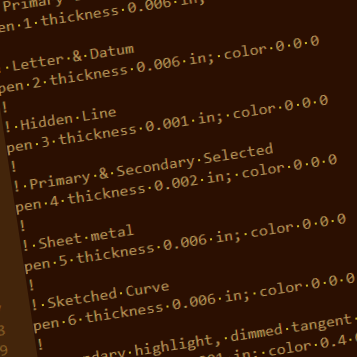
Before touching a single file, the script reads global rules (CoreCP.ini) and then layers on any project-specific overrides (CoreSP.ini). This allows for different rules for different projects.

Master Architecture Protection

The script actively monitors where it is running. Example: If it detects a local configuration file illegally placed inside the CoreCP Master directory, it immediately flags it and quarantines the file to prevent system-wide conflicts.

Auto-Aging Quarantine

To prevent the quarantine bin from bloating over time, the script checks the age of previously swept files. It permanently deletes only the files that have exceeded the configured safety window.

Live Directory Inventory

Once the folder is clean, it dynamically counts the remaining .prt, .asm, and .drw files to provide an immediate, accurate inventory of that folders models.

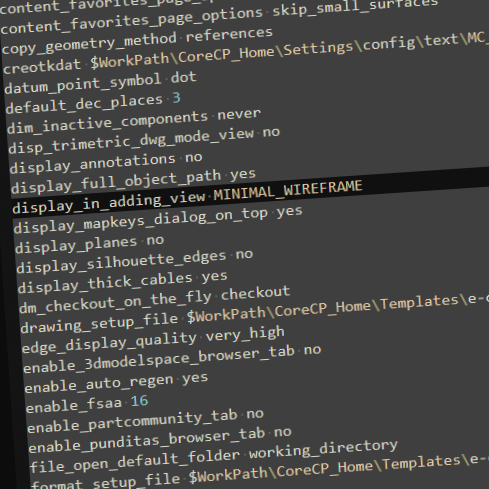
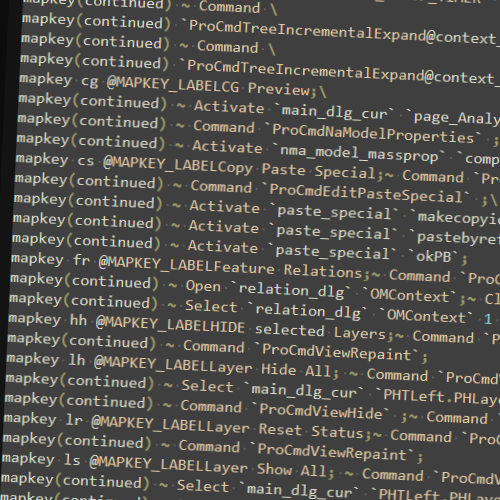
Configuring Creo Parametric involves juggling hundreds of variables in dozens of files in multiple folders. CoreCP simplifies this by acting as a centralized manager, taking advantage of Creo's native, three-tiered load sequence to make your environment incredibly easy to manage and reconfigure.
The CoreCP Launcher is built around this logic. At launch, it drops your master config.pro into the users home directory, locking in a universal baseline for every CAD session. If a specific job/folder requires unique settings, you just place a config.pro inside that working folder. You gain total project control, allowing you to instantly reconfigure any project folder without ever altering your core setup.

Take Complete Control of User Environment Settings

CoreCP Setup

Whether you have a brand-new machine or an existing workstation, installation takes only a few seconds.

Create an Anchor Folder for CoreCP: Choose a durable ‘Foundation’ directory to create your CoreCP Anchor Folder.

Drop CoreCP.exe inside it, Double-click CoreCP.exe and press [S] to run the Setup. 

Download Demo