CoreCP - Creo Companion
CoreCP | Creo Companion
CoreCP will find valid Creo Parametric installations on your machine. The default behavior is to launch the very latest and can be configured to choose a specific version or to limit the auto-selection.
Evaluates the target data set to determine its
native version. This ensures the appropriate CP version is targeted, actively
preventing unintentional, irreversible data upgrades by presenting a clear
choice when a mismatch is detected.
Use a Special
Project when specific Creo versions, alternate Windchill logins, or any other isolated
settings are desired. Each Special Project has a
uniquePTC_WF_ROOTassigned to the automatically createdCoreSP_UserEnvsub-folder.
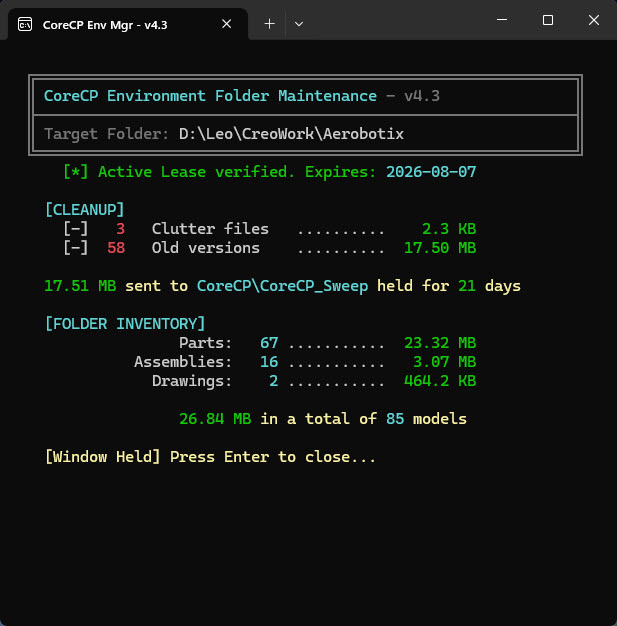
Bypass the launcher. Instantly clean and organize any directory with a single right-click.
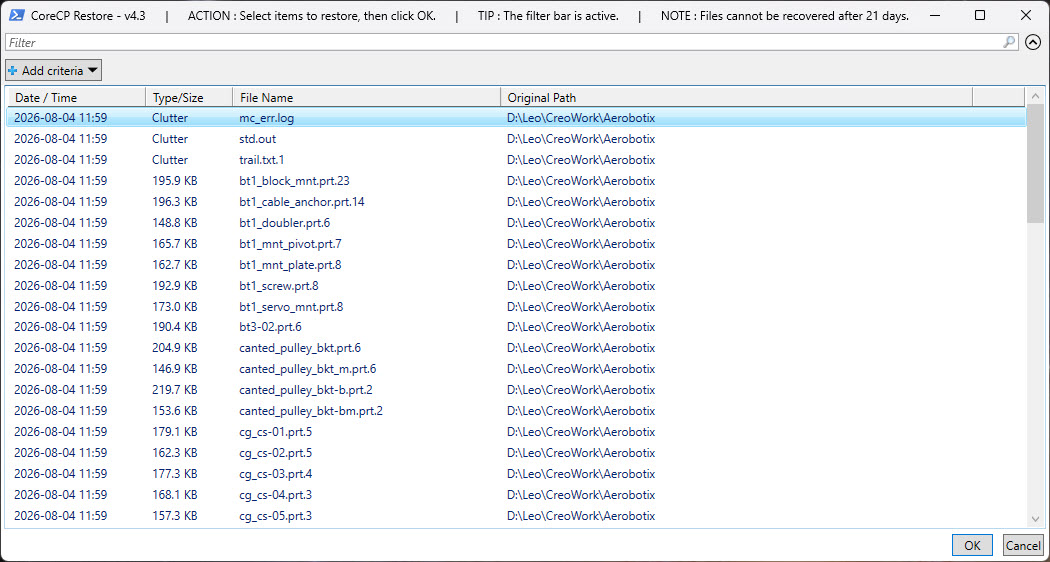
Swept up files aren't gone forever. They are held in quarantine for an adjustable number of days so you can easily restore them. Select the files that you want to restore and CoreCP will put them right back where they came from. Sort and search options are also available.